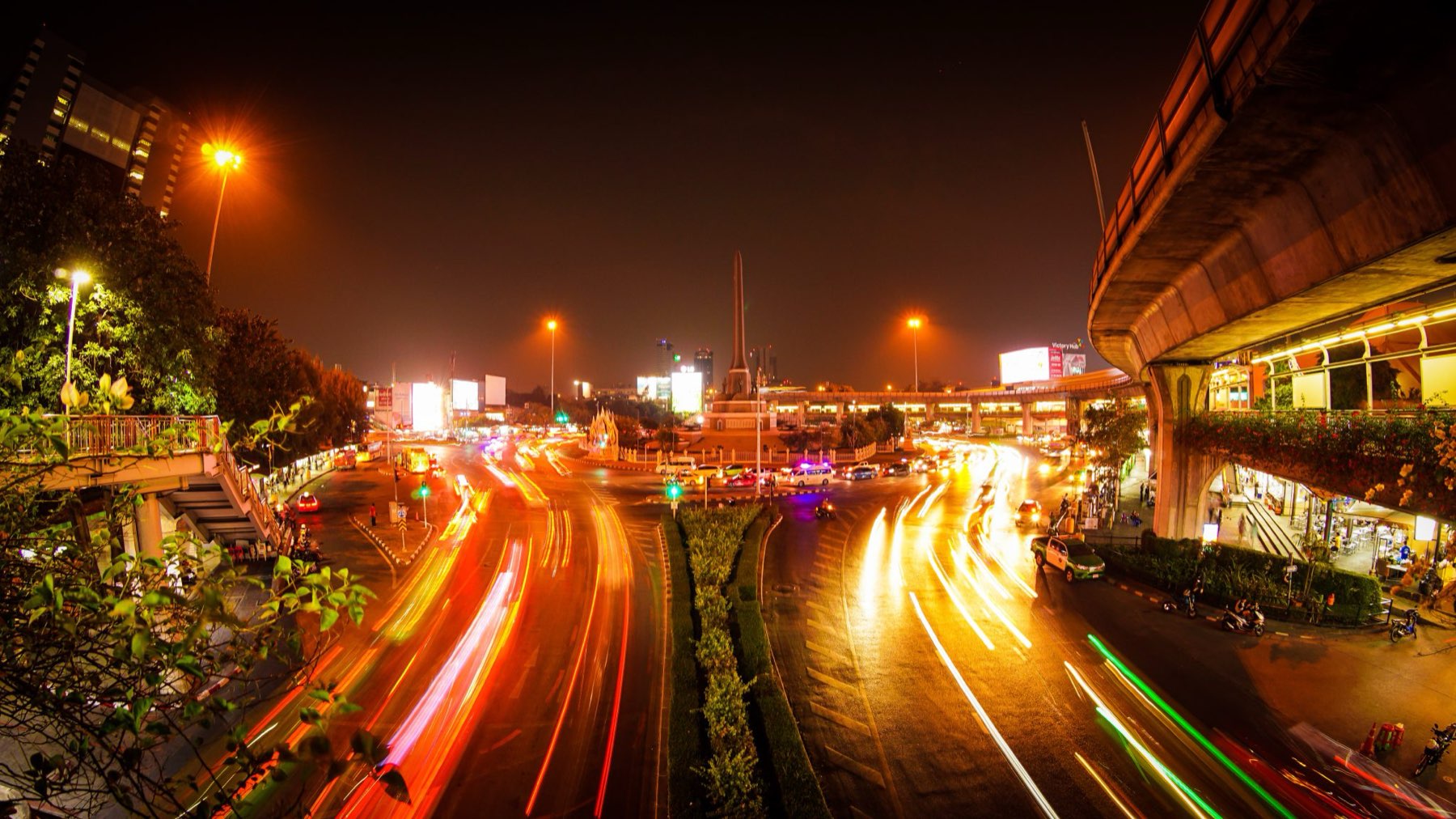
Your phoneis a dashcam.
Street Justice is a dashcam app for the phone in your pocket. Mount it, open the camera, and it captures what happens on the road in front of you — the close calls and the good moves — without buying or installing a dashcam.
Free on the App Store and Google Play. Works best with a phone mount on your dash.
What you can report
Danger, hazards and bad conduct, and the good drivers too. Report any of them with a tap of a button, or with just your voice.
 REC 9:41 PMRan a red
Ran the lightDanger
Speeding, running a red, cutting someone off, texting at the wheel, tailgating, weaving.
 REC 11:08 PMLane blocked
Blocked the laneHazards
Vehicles stopped in a lane, loose cargo, unsecured loads, a light out after dark.
 REC 5:52 PMRoad rage
Lost their coolConduct
Road rage, bad parking, blocking a handicap space, trash out the window.
 REC 10:17 PMYielded
Stopped for a walkerProps
Good driving counts too: yielding at the crosswalk, a smooth zipper merge, a courteous wave in.
From “did you see that?” to a report
Every driver knows the feeling when someone cuts you off, runs a red light or throws trash out their window. Street Justice lets you report it in seconds.
Mount your phone and go for a drive
Put the phone you already carry in a mount, pointed at the road. No wires to run, no hardware to install. Then drive the way you always do.
Open the app and capture what’s ahead
With Street Justice open, the camera records the road in front of you. When something happens, one tap keeps the clip, stamped with the time, your GPS location and, when it has a reading, your speed. No time to tap? Say what happened and the app turns it into a report.
Your report joins everyone else’s
It lands on the map beside your neighbors’ reports, and drivers nearby vote on whether it’s accurate.
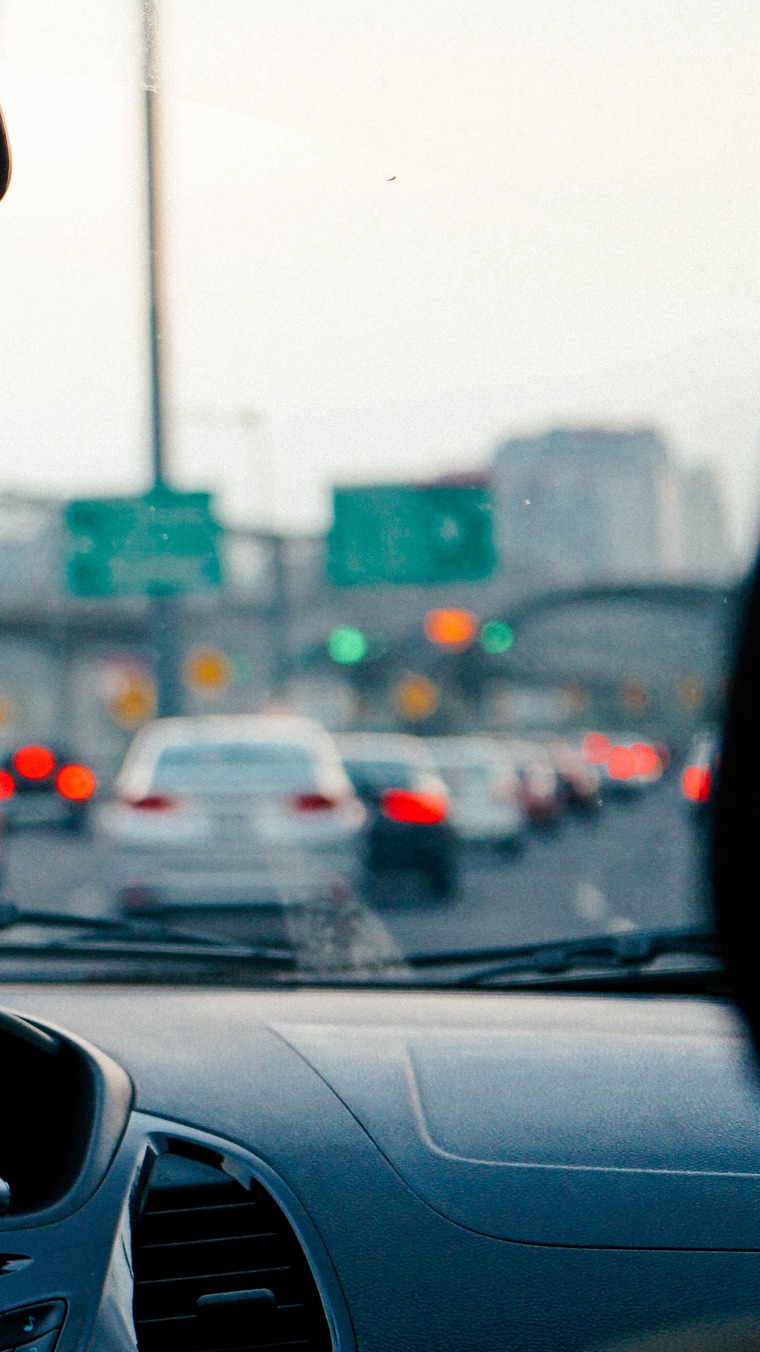
Try it: tap Dashcam.
Where people drive dangerously
One report is a story. A hundred on the same corner is a pattern your city can act on.
Voted on by drivers nearby
Other drivers vote on whether each report is accurate, so what lands on the map has had a second look. Crews, points and ranks make it a game you play with friends.
Street Justice vs. a dashcam you buy
A dashcam is one more thing to buy, install and wire into your car, and it records every minute you drive. Street Justice is a phone dashcam app: it records while you have it open, costs nothing to start, and turns a clip into a report.
It records while it’s open
Street Justice keeps a rolling buffer only while its camera is on your screen. There is no background recording.
It isn’t the police
Street Justice isn’t affiliated with any police department, DOT or city, and it doesn’t file reports with them.
Reports aren’t crash data
Report density shows where Street Justice drivers travel and report. It’s a pattern worth a look, not a crash statistic.
| Feature | Street Justice | Dedicated dashcam |
|---|---|---|
| Cost to start | Free download | Buying a camera |
| Hardware to install | None: your phone | Camera, mount, card |
| Saves a clip with one tap | Yes | Yes |
| Records whenever the car is running | No | Yes |
| Time, location and speed on every clip | Yes | Varies by model |
| Turns a clip into a report in seconds | Yes | No |
| Shows where your neighbors report dangerous driving | Yes | No |
Saw something? You've got the clip.
Someone cuts you off, or waves you in. Either way, one tap saves what just happened, and you report it once you're parked. Good driving or bad, it's your call.
Running a few vans or trucks?
The same app becomes a driver safety program: a safety score for each driver, speeding and hard braking as they happen, and coaching notes you approve. $10 per vehicle a month, and the first 2 vehicles are free.
Questions drivers ask
Something else? Email support@streetjustice.app.